Your Website Should Work for You, Not the Other Way Around
You started your business to do what you're good at, whether that's running a restaurant in Kailua, managing a contracting crew in Kapolei, or serving clients across Honolulu. You did not start your business to spend Saturday mornings troubleshooting a broken WordPress plugin or waiting on a malware scan to finish.
But that's exactly what WordPress asks of you. Constantly.
The platform isn't inherently bad. When it launched, it was a genuinely useful tool. The problem is what it has become over time: a tangle of dependencies, third-party plugins, and a core codebase that needs perpetual tending just to stay functional and secure. For a small business owner on Oahu, that overhead adds up fast.
The Update Treadmill Never Stops
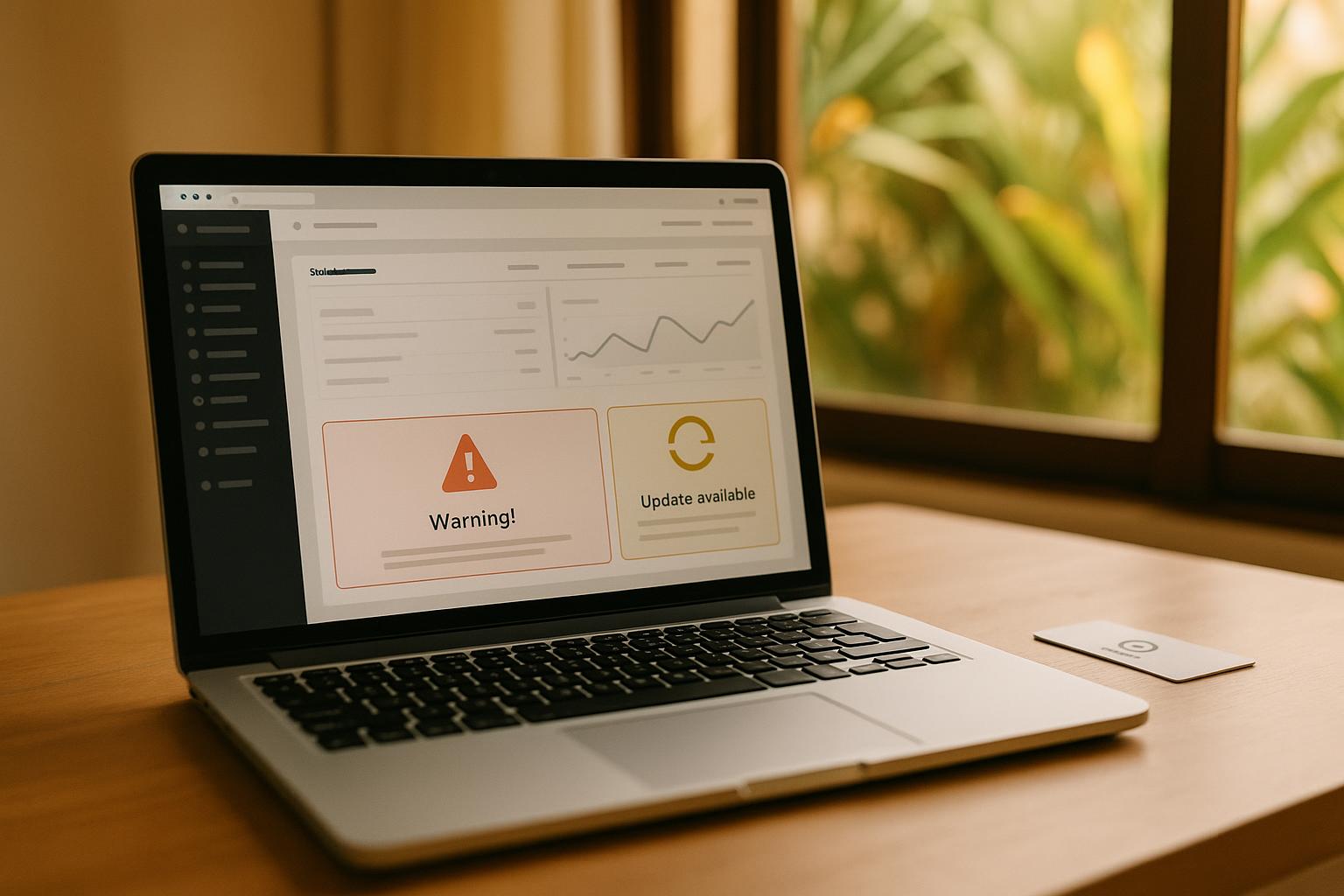
WordPress pushes core updates regularly, and those updates exist for good reason. Security vulnerabilities get patched, bugs get fixed, and new features get added. The trouble is that every core update carries the risk of breaking something else on your site.
Your theme might not play nicely with the new version. A plugin you depend on for your contact form or your booking system might stop working entirely. Suddenly you're not dealing with a routine update anymore — you're chasing down a conflict you didn't create and didn't expect.
This isn't a rare edge case. It happens to WordPress sites all the time, including ones that are professionally managed. The platform's reliance on third-party plugins is both its biggest selling point and its biggest liability.
Plugin Debt Is a Real Thing
Most WordPress sites don't run on WordPress alone. They run on WordPress plus 10, 15, sometimes 20 or more plugins. Each one is a separate piece of software, maintained by a separate developer, on a separate release schedule. Some are updated frequently. Some haven't seen a meaningful update in two years.
Every plugin is a potential entry point for attackers. Every outdated plugin is a door that might already be open. Security researchers regularly find critical vulnerabilities in popular WordPress plugins, and the window between a vulnerability being discovered and being actively exploited can be very short.
So you either keep every plugin updated constantly, or you accept the risk of running something that's known to be vulnerable. Neither option feels great when you're trying to run a business.
Backups That May or May Not Actually Work
Most WordPress site owners have some kind of backup solution in place. Fewer of them have ever actually tested restoring from one of those backups. That distinction matters more than most people realize.
Backup plugins can fail silently. They can back up files but skip the database. They can fill up storage and stop running new backups without telling you. You might think you have six months of daily backups sitting safely somewhere, only to discover during a crisis that the last successful one is from four months ago and is missing half your site's content.
A backup you haven't tested isn't really a backup. It's an assumption. And assumptions are expensive when something goes wrong at the worst possible moment, like right before the busy tourist season when your booking page needs to be up and running.
Malware Scans and the Cost of Getting Hacked
WordPress powers a large portion of the web, which makes it the most targeted platform for automated attacks. Bots don't care that your Honolulu small business website isn't a major corporation. They're scanning millions of sites simultaneously, looking for known vulnerabilities in specific plugin versions or outdated WordPress installs.
Getting hit with malware isn't just an inconvenience. Google can flag your site as dangerous, which pulls it from search results. Your hosting provider might suspend your account. Visitors who land on a compromised site can have their devices affected. Cleaning up an infected WordPress site takes time and money, and there's no guarantee you've found every infected file.
Running regular malware scans is necessary if you're staying on WordPress. But the better question is whether you want to be in a position where the scan is necessary in the first place.
There Is a Way Off This Treadmill
Switching away from WordPress doesn't mean starting over with something unfamiliar or losing everything you've built. It means moving to a modern architecture that doesn't carry WordPress's structural baggage.
At Da Hawaii Website Guy, we migrate Oahu small business websites off WordPress and onto a serverless stack built on Cloudflare Pages, Workers, D1, and R2. There are no plugins to update, no plugin conflicts to resolve, no WordPress core vulnerabilities to patch. Your site lives on a globally distributed network, loads fast for visitors whether they're in Ewa Beach or anywhere else in the world, and doesn't present the same attack surface that WordPress does.
The result is a website that simply runs. You don't have to think about it every week. You don't need a developer on speed dial for the next update cycle. Your time goes back to your business where it belongs.
This kind of migration also tends to improve your local SEO Hawaii standing, because faster, more reliable sites perform better in search rankings. A Kapolei contractor or a Pearl City retail shop that loads in under a second is going to outperform a slow WordPress site in local search results, all else being equal.
What You Should Be Asking About Your Current Site
If you're running WordPress right now, a few honest questions are worth sitting with. When did you last update your plugins? Do you know if your backups are actually working? Has your site ever been flagged for malware? How much time each month does someone on your team spend on WordPress upkeep, and what does that time actually cost?
You might find the answers more uncomfortable than you expected. That's okay. It just means there's a better path available to you.
If you're done feeding the WordPress maintenance machine and want a website that works without the constant overhead, call us at (808) 470-7900 or schedule a free consultation — we'll take a look at what you have and show you exactly what a modern conversion could look like for your business.